How to use Sanatan Bhakt to sing along with your family
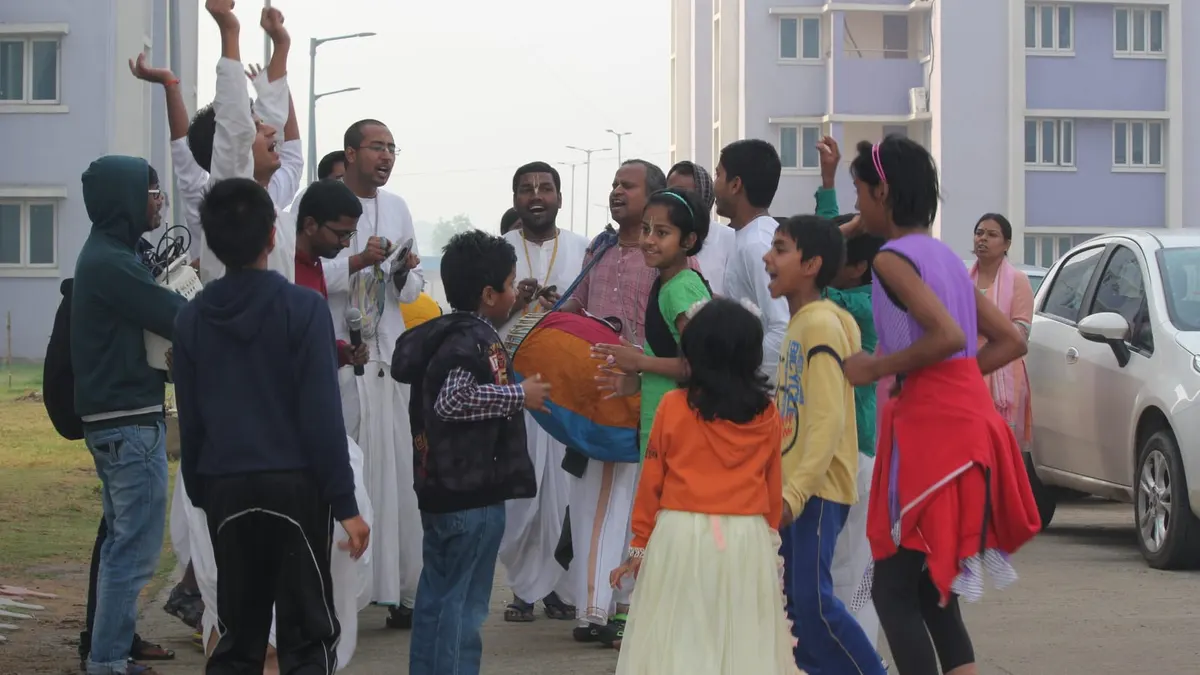
It's time for the evening aarti and the whole family is in the room. Dadi reads Devanagari. Your cousin's kids only read English letters. And Papa can't find his glasses again.
You can get all of them singing from one phone.
Make the text big enough for the room
Open any aarti, prayer or kirtan and tap Kirtan. The text gets large, and your screen stays awake while you sing.
Press Start and the page scrolls slowly by itself. Touch the screen to pause. Nobody has to keep swiping with ghee on their fingers.
To fine-tune it, tap Aa. There you can change the text size and the line spacing. You can also show the lyrics with the translation, or just one of them. The site remembers what you picked.
The theme button at the top has a Lamp setting, a dim, warm theme for a room lit only by diyas.
Let everyone read in their own script
Under Read in, pick a script. The same text appears in Devanagari, Bengali, Gujarati, Gurmukhi, Odia, Telugu, Kannada, Malayalam or Tamil.
If your family is mixed, try Compare. It puts the lyrics side by side in two scripts, verse by verse: Devanagari on one side for Dadi, Roman on the other for the kids. Everyone is on the same line at the same time.
Find the song fast
Type it the way you say it. Accents don't matter, so "krishna" and "krsna" both work.
If you only remember how it starts, type the first letter of each word. "sdll" finds Samsara Davanala Lidha Loka.
Or just say it. On phones that support it, tap the mic in the search box and say the name.
Keep your family's favourites close
Tap Save on the aartis you sing every week, and they appear under Your songs on the home page. They stay on your phone, and nobody needs an account.
Want to send the aarti to the family WhatsApp group before the puja? Share sends the link. PDF gives you a clean sheet with no menus, ready to print or save.
Don't miss the festivals
Every page has a small festival card. It shows the holy month or the festival of the day, what to sing for it, and the big days coming up. Tap a festival's name to open its page, then Add to calendar to put the date on your phone. No more arguing about which day Ekadashi is.
All the tips in one place
Every tip here is also on one page: How to use this site. On any song or prayer, the Guide button at the top shows the tips for that page.
Now go and sing together. Off-key is fine.